Home / Features / Bank & UPI SMS auto-capture
Bank & UPI SMS auto-capture
SMS permission is required for automatic capture from debit and credit alerts. Unclear messages go to the review inbox before they hit your Sheet.
- Parse common bank and UPI debit/credit messages on-device
- Send unclear SMS to the needs-review inbox
- No Kharch Log server stores your SMS — matched rows go to your Sheet
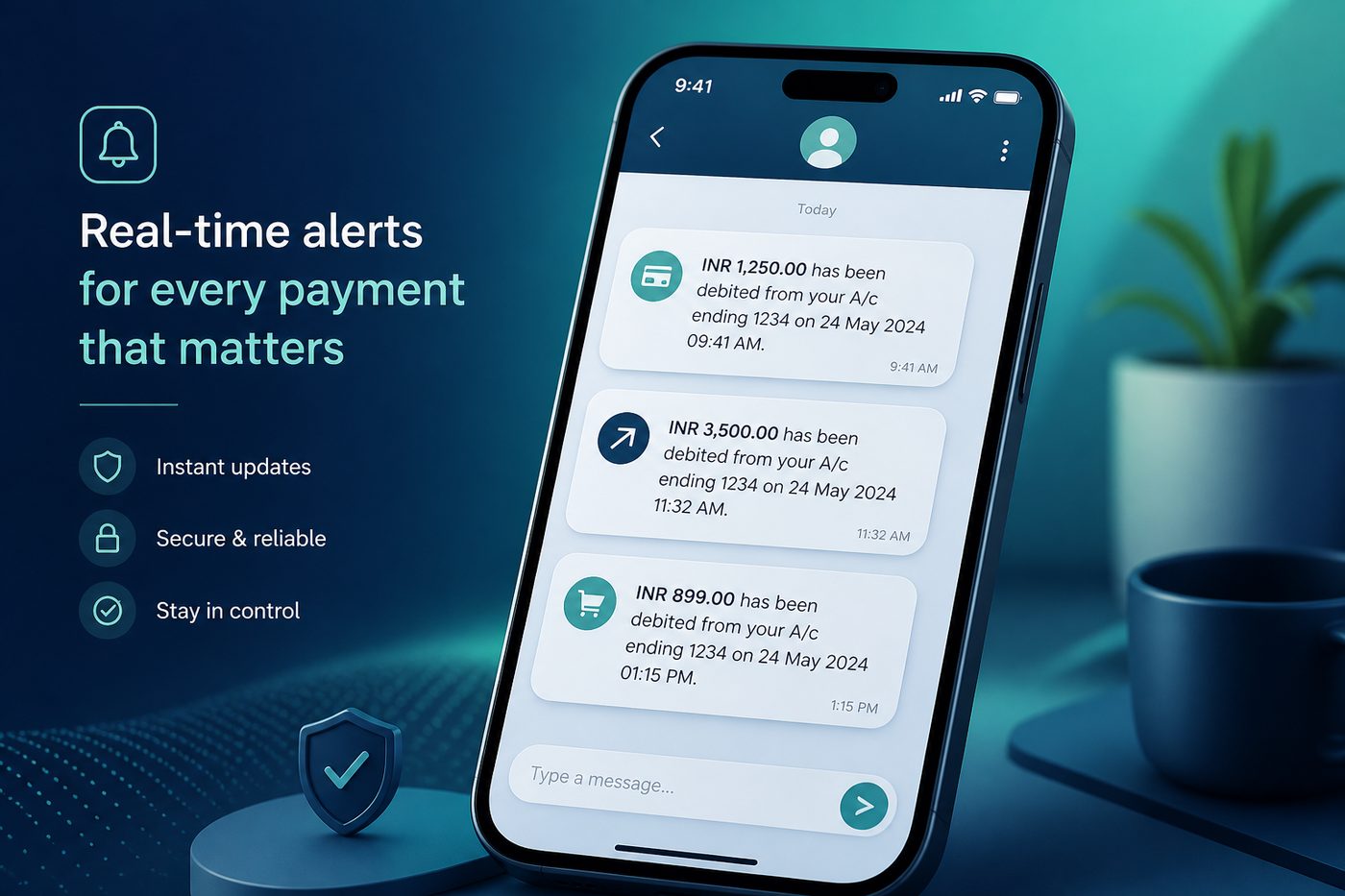
Quick answer: Kharch Log reads bank and UPI debit/credit SMS on your Android phone — on-device — and syncs matched expenses to your Google Sheet. No net-banking login required.
Automatic tracking without sharing bank passwords
FinArt describes Indian finance as UPI, cards, wallets, EMIs, and bank SMS — not one clean feed. Kharch Log is built for that reality: SMS permission is required so payment alerts become ledger rows while keeping bank credentials out of the workflow, similar to FinArt’s “no bank login” positioning.
How SMS auto-capture works
- Install & sign inLink your Google account so parsed expenses have somewhere durable to land — your Kharch Log Sheet in Drive.
- Grant SMS permissionRequired. Kharch Log needs SMS access to read bank and UPI payment alerts on your phone.
- Payment SMS arrivesDebit and credit alerts from banks and UPI apps are parsed on-device for amount, merchant hint, and date.
- Review or auto-saveHigh-confidence matches sync to Sheets. Unclear messages go to the review inbox — never silently invent spending.
Why SMS capture fits Indian spending patterns
FinArt tracks UPI, cards, wallets, and subscriptions from alerts. Kharch Log starts with SMS — the alert almost every Indian payment still generates — and pairs it with manual/voice for cash or apps that do not SMS.
Reduce manual effort
FinArt’s pitch: turn daily transaction noise into monthly decisions. SMS capture removes retyping for every Swiggy or petrol SMS.
Privacy you control
SMS is read on-device for capture. Matched rows sync to your Google Sheet — Kharch Log does not keep an SMS vault on its servers.
UPI & card alerts
PhonePe, GPay, Paytm, HDFC, SBI, and other common formats — capture without opening five apps.
No bank login
Unlike Fast Budget’s optional bank sync, Kharch Log never asks for net-banking passwords.
On-device parsing
SMS text is processed on your phone. Kharch Log does not operate a server-side SMS vault.
Credit + debit
Salary credits, refunds, and reversals can be captured when the SMS pattern matches.
Works with any currency
Log amounts as they appear in the message — Kharch Log does not force currency conversion.
Pair with manual entry
Cash, UPI without SMS, or international spends — add manually; SMS handles the digital majority.
How Kharch Log compares
| Option | What it gives you | Where Kharch Log helps |
|---|---|---|
| Manual spreadsheet | Customisable but hard to maintain daily. | SMS fills the Sheet; you own the file in Drive. |
| Bank-sync apps (e.g. Fast Budget) | Automatic feeds via bank connection — often paid tier. | Free SMS-based capture; no credentials shared. |
| Payment apps (GPay, PhonePe) | Show one slice of spending inside that app. | Kharch Log aggregates across banks/UPI into one Sheet. |
| FinArt-style automation | SMS + notifications + budgets on Android/iOS. | Kharch Log: Android + Sheet ownership + review inbox for uncertain parses. |
Common questions
Is SMS permission required?
Yes. SMS permission is required so Kharch Log can auto-capture bank and UPI payment messages.
Does Kharch Log upload my SMS to a server?
No. Parsing happens on-device; matched rows sync to your Google Sheet.
Will every bank SMS parse perfectly?
No — formats vary. Unclear items wait in the review inbox for your decision.
Does this work on iPhone?
Kharch Log is Android-only. iOS restricts SMS access differently — use manual/voice entry.
Can I disable SMS capture later?
Yes — revoke SMS permission in Android settings and continue logging manually.
What about OTP or promo SMS?
Non-transaction messages should land in the review inbox or be ignored — not your expense Sheet.