Home / Features / Share expenses & invoice PDF
Share expenses & invoice PDF
Turn a logged expense into something you can send — share card or branded invoice PDF from the detail sheet.
- Share transaction details quickly
- Save invoice-style PDF for reimbursements
- Keep the source of truth in your Google Sheet
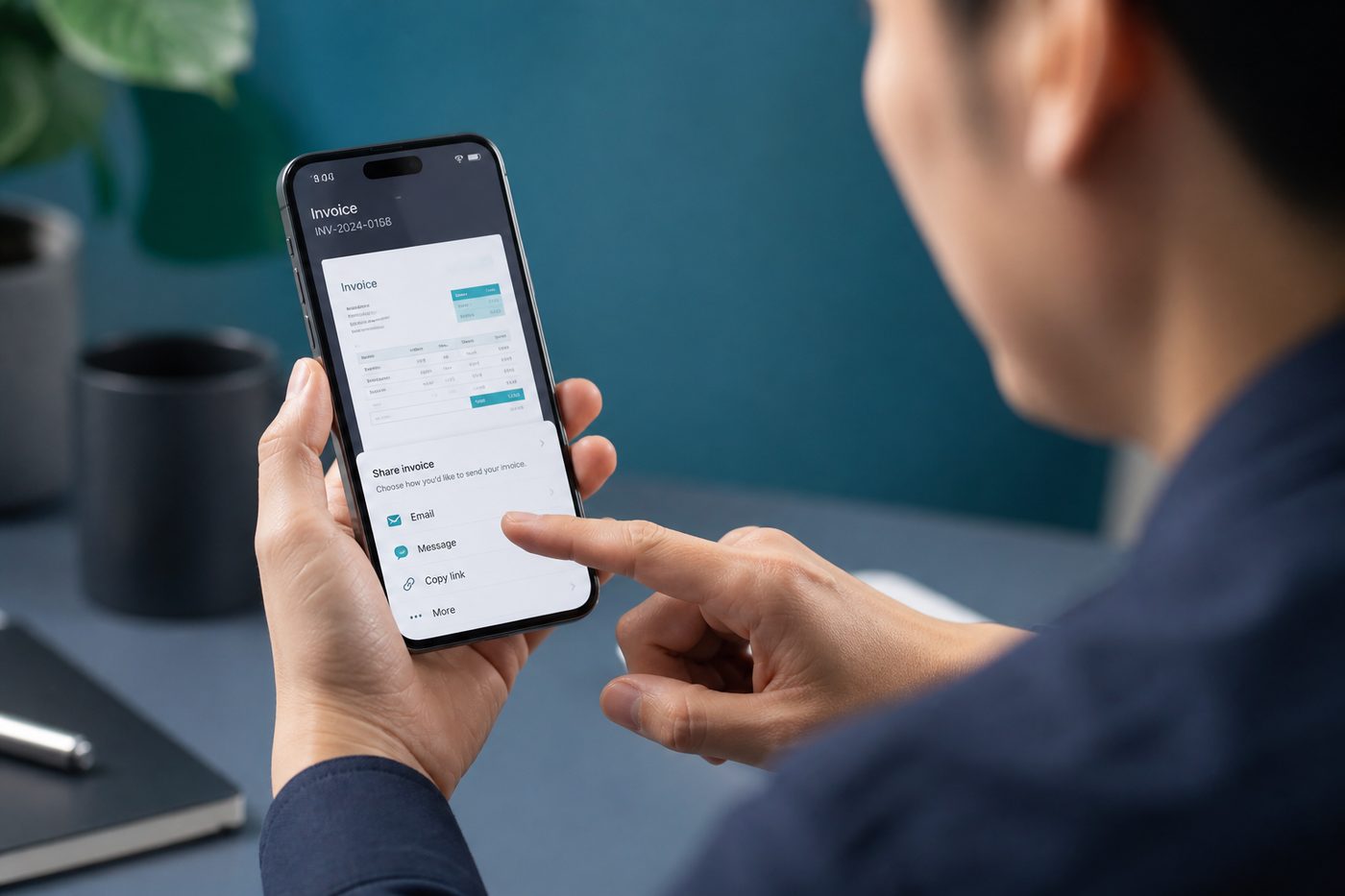
Quick answer: Share a transaction card via WhatsApp or email, or save a clean invoice-style PDF — built from an expense you already logged, with your Google Sheet staying the source of truth.
From expense log to shareable proof
Freelancers, sales teams, and salaried employees often need to prove a spend for reimbursement. Fast Budget focuses on tracking; Kharch Log adds share and PDF export on top of the same entry — no retyping into Word or screenshotting bank apps.
How share & invoice PDF works
- Log the expenseCapture via manual, voice, or approved SMS — amount, payee, category, date.
- Open transaction detailTap the row to see full details and actions.
- Share or export PDFSend a formatted card via WhatsApp, email, or save an invoice-style PDF locally.
- Sheet remains masterThe share is a snapshot; totals and history stay in your Google Sheet.
When sharing beats re-explaining
FinArt and Fast Budget optimise for tracking and budgets. Kharch Log adds a paperwork layer for the moment someone asks “can you send proof for that ₹840 charge?” — answer in two taps.
Not a GST tax invoice
Merchant tax invoices come from vendors; this is a personal transaction summary for records.
Privacy-safe sharing
Only the single transaction is shared — not your entire Sheet or month history.
HR reimbursements
Attach PDF when submitting travel, client meals, or supplies.
Split with friends
Share a transaction card after group dinners or trips.
Freelancer records
Keep PDF copies for project billing without a separate invoicing tool.
WhatsApp-friendly
Share cards formatted for messaging apps — common in Indian workflows.
Branded PDF
Clean layout with Kharch Log footer — professional enough for informal reimbursement.
No extra typing
Details come from the entry you already logged — zero duplicate data entry.
How Kharch Log compares
| Option | What it gives you | Where Kharch Log helps |
|---|---|---|
| Screenshot bank SMS | Quick but messy and missing category context. | Structured card with category, payee, and notes. |
| Manual Word invoice | Flexible but slow for every small spend. | PDF generated from logged data in seconds. |
| Fast Budget export | CSV export on web — good for bulk, not one-off proof. | Per-transaction share/PDF for immediate requests. |
| Email forwarding SMS | Works once; hard to organise at month end. | Logged row + PDF + Sheet row — searchable later. |
Common questions
Is the PDF a GST tax invoice?
No — it is a transaction summary for personal records and reimbursement.
Can I share pending SMS items?
Approve or edit in the review inbox first, then share the saved transaction.
Does sharing expose my whole Sheet?
No — only the one transaction you choose.
Can I share income entries?
Yes — any saved transaction with share actions available.
Where is the PDF saved?
To your device Downloads/Files — you choose where to send it next.
Does the share include my phone number?
Only fields from the expense entry — not your SMS or Google account details.